Choose by the client conversations you actually handle
Start with a normal working week. A designer taking occasional project enquiries has different needs from a photographer receiving reference pictures or a consultant making scheduled callbacks. The examples below are planning scenarios, not customer case studies.
| Your work | A useful setup | Check before choosing |
|---|---|---|
| Portfolio enquiries | A separate public number that rings the phone you answer. | Incoming forwarding, callback caller ID and enough call minutes. |
| Scheduled consulting calls | A business number for incoming calls and supported callbacks. | Calling destinations and per-call rounding; scheduling software is separate. |
| Appointment texts | A dedicated SMS inbox and approved outgoing texting. | Registration, segment billing and how often you will check the inbox. |
| Photo-based job enquiries | A service that supports the required pictures or a separate agreed channel. | Current 26sim US plans do not support MMS. |
| Calls shared with an assistant | A service with suitable staff permissions and routing. | Do not treat a private solo dashboard as a team phone system. |
Work out whether one phone is enough
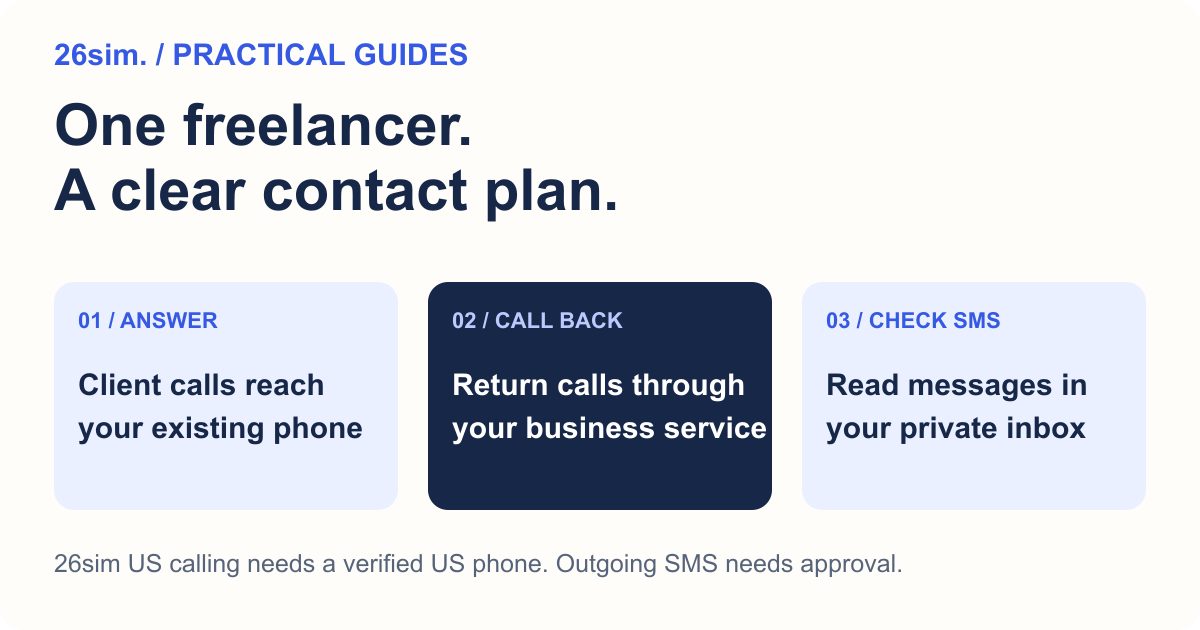
You can keep one handset if the number service supports your existing setup. With 26sim US plans, incoming calls forward to a verified existing US phone. To return a call, use the dashboard calling action: it rings that phone first and then connects a supported US destination. This is different from making calls in a browser or adding another cellular subscription.
Incoming SMS appears in the private online inbox rather than automatically joining your personal text conversations. Outgoing SMS requires registration approval. Decide whether checking a separate inbox fits your working day before publishing the number.
If you need another cellular line, mobile data or device-level separation between work and personal service, compare a second SIM or eSIM. If putting work away physically matters, consider a separate handset too.
Keep your personal number out of the public contact path
A separate public contact number helps control what you advertise. It does not make you anonymous or replace the provider’s account and eligibility requirements.
- 01
Publish the business number consistently
Use it on your portfolio, proposals and client contact page after activation and testing. State the work you do and how clients should contact you.
- 02
Test both call directions
Call the business number from another phone, then return a call through the supported business-calling action. Ask the recipient which number appears.
- 03
Check your replies
Dialling directly from your personal carrier line can reveal your personal number. Use the business workflow when that separation matters.
- 04
Set expectations with clients
Publish your actual response hours and preferred channel. A note on your website does not configure automatic business-hours routing.
Estimate a quiet month and a busy month
The table uses the same 26sim US plan definitions as the calculator. Basic is $2.99 per month plus usage. Premium is $6.99 per month with separate allowances of 100 call minutes and 100 SMS segments. Incoming and outgoing activity share each allowance.
Round each connected call up to a whole minute before adding it to the month. Count SMS segments rather than message bubbles. These examples exclude taxes, separately quoted SMS registration fees and any charges from your existing carrier.
| Total call minutes | Total SMS segments | Basic | Premium |
|---|---|---|---|
| 20 | 20 | $3.99 | $6.99 |
| 80 | 80 | $6.99 | $6.99 |
| 100 | 100 | $7.99 | $6.99 |
Separate startup cash from the cost of a month
If you choose Basic and add the smallest $5.00 credit top-up, rental plus that credit payment is $7.99 before taxes and any registration fees. A month with 50 rounded call minutes and 50 SMS segments consumes $5.49 in rental and usage, leaving $2.50 of that starting credit if no other usage occurs.
This is a worked budget from the published plan definitions, not a customer invoice or proof of activation. The top-up buys a balance for use over time; do not add its full amount again when comparing consumed monthly usage. Paid top-ups remain held until the separate review and settlement make credit available. Review the actual offer, activation status and available balance before relying on the number.
| Amount | Example | Meaning |
|---|---|---|
| Rental plus selected minimum top-up | $7.99 | Cash paid for the rental and a separate credit balance, before additional fees. |
| Rental plus usage consumed | $5.49 | The comparable cost of this example month. |
| Credit remaining after this usage | $2.50 | Unconsumed credit; it does not pay the next rental automatically. |
Run a small launch checklist before sharing the number
- Choose an area code that fits your actual business and check current stock.
- Confirm the paid order has an assigned, active number; a search result or checkout redirect alone is insufficient.
- Verify the existing US phone, test an incoming call and confirm callback caller ID.
- Check the inbox with an ordinary test SMS; send only after outgoing approval and with the recipient’s permission.
- Keep your private receipt and dashboard link secure. Do not publish or share them with clients.
- Record renewal and cancellation terms. Current 26sim website ordering does not support bringing an existing number by porting.
Choose the offer that fits your solo workflow
A separate number is useful when it gives clients a clear contact point and gives you a manageable way to respond. For 26sim US plans, confirm the existing-US-phone requirement, supported destinations and outgoing-SMS approval before choosing. These plans do not include mobile data, MMS or a browser calling app.
If your clients are abroad or several people must answer, describe that requirement to support before paying. A US contact number alone does not establish international calling or shared access.
Common questions
Does a freelancer need a separate business phone?
Not necessarily. A compatible number service can give you a separate public number on your existing setup. Current 26sim US calling uses a verified existing US phone; the SMS inbox is online.
Can I use the number for client photos?
Current 26sim US plans do not support MMS. If pictures are part of your work, choose another supported channel with the client or compare a service that explicitly includes the message types you need.
Is Premium always better for freelancers?
Choose by usage. Basic can cost less for a quiet month; Premium can cost less when you use enough of its separate call and SMS allowances. Compare the same expected activity in the calculator.
Can I use this setup while working abroad?
Do not infer that from the US number. The current calling workflow requires a verified existing US phone. Confirm your phone’s availability, carrier charges and the provider’s permitted use for your situation before relying on it abroad.