Decide which questions belong on the phone
List the conversations that would benefit from a call: a sizing question, a delivery clarification or arranging a return. Keep your order system as the record of purchases and use its approved process for payment and account changes. A phone number gives customers a contact point; it does not connect the conversation to an order automatically.
For example, a solo maker might answer product questions by phone during published hours and handle order photographs by email. This is a planning example, rather than a customer case study.
| Customer need | A practical channel | Check before publishing |
|---|---|---|
| A product question | An answered call or supported callback. | Who answers, at what times and from which phone. |
| A short delivery question | The SMS inbox, with approved replies where available. | How frequently you check messages and whether sending is approved. |
| A picture of a damaged item | Your existing email or support form. | Current 26sim US plans do not support MMS. |
| Several staff handling one queue | A service with suitable team access. | Confirm shared inbox and routing features before choosing a provider. |
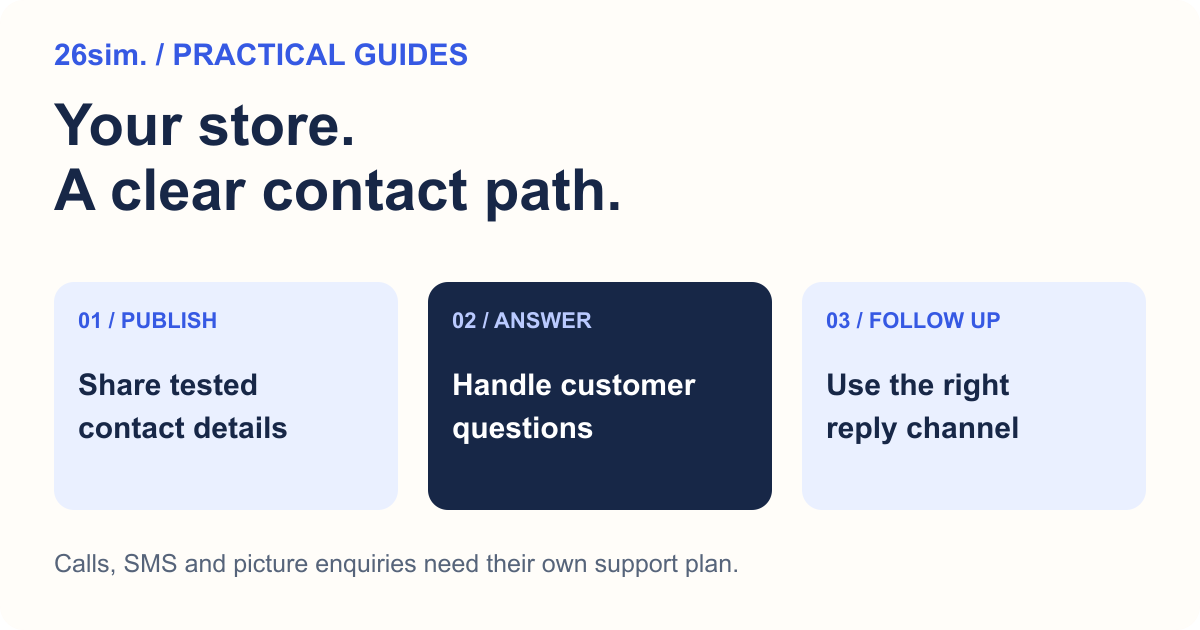
Plan both the incoming call and the callback
With a 26sim US monthly number, incoming calls reach your verified existing US phone. Your existing carrier connection remains part of the setup. To call a customer back, start the supported calling action in the private dashboard: the service calls your phone first, then connects the destination.
Returning the call directly from your personal carrier line can display your personal number. Test the dashboard callback workflow with another phone and confirm the displayed number before using it for shoppers. Check that your customer destinations are supported; a US number does not establish international calling.
Give SMS its own support routine
Incoming texts appear in the online number dashboard. Choose times to check that inbox and publish a realistic response expectation. Call forwarding does not forward the texts into your personal phone’s messaging app.
Outgoing SMS requires separate registration approval and appropriate recipient permission. Ask support about any registration fees before planning customer texts. Confirm a working approved reply path before inviting customers to text; receiving messages alone does not enable replies.
Treat order-status automation, bulk campaigns and shopping-platform integrations as separate requirements to discuss. Renting the number does not install those features in your store.
Publish clear contact details after testing
- 01
Activate and test the number
Confirm the assigned line is ready, verify your forwarding phone, then test incoming calls, dashboard callbacks and an ordinary SMS.
- 02
State your actual support hours
Put the number and response hours on your contact page. Website text communicates availability; it does not configure automatic call routing.
- 03
Keep another support channel available
Provide a monitored email or support form for photographs, written detail and enquiries outside the hours you answer.
- 04
Keep private access private
Publish only the business number and intended public contact details. Keep receipt links and dashboard access out of store pages and customer messages.
Budget for the busy support month
Current US Basic rental is $2.99 per month plus usage. Premium is $6.99 per month with separate shared allowances of 100 incoming/outgoing call minutes and 100 incoming/outgoing SMS segments. Estimate a busy delivery week as well as a quiet one.
Include incoming activity in your estimate. Long texts can use multiple SMS segments, and each connected call rounds up to a whole minute. Taxes, separately quoted registration fees and existing-carrier charges need their own checks. Keep rental payments current while the number appears on packaging or customer receipts.
Keep a pickup-arrival call short and actionable
A curbside arrival and a product-support question are different conversations. A customer waiting outside needs a clear check-in route; a sizing discussion may take longer. Before adding another number, decide who will monitor each task and whether one person can realistically cover simultaneous enquiries. Two published contacts do not create two staff members or a call queue.
For an illustrative small shop, put the pickup contact in the order’s genuine ready-to-collect instructions, together with the approved collection place and operating hours. Ask for only the information needed to find the order, such as its reference and a pickup-bay description. Do not request payment-card details, passwords or verification codes during an arrival call.
Keep fulfillment status in the store’s order system. For example, Shopify documents separate ready-for-pickup and picked-up stages with its own notification options. That is the commerce platform’s workflow, not an integration supplied by renting a 26sim number.
- 01
Define the arrival message
Explain when to call or use an approved text route, which order reference to provide and where it is safe to wait. Give a monitored alternative if the call is unanswered rather than inviting repeated calls indefinitely.
- 02
Assign a real responder
Establish who checks the order and who brings it out. If several employees need individual access or call distribution, use a product that explicitly supports that arrangement. A private 26sim receipt link is not a staff invitation.
- 03
Rehearse both arrival and fallback
Before launch, use a consenting colleague to walk through an ordinary arrival call, an unanswered attempt and the published alternative. Record anything the instructions leave unclear. This is a suggested check, not a claimed test result.
- 04
Keep messages and collection records separate
Check outgoing SMS approval before promising replies. Current 26sim does not automatically send pickup notifications, forward inbox texts into the personal SMS app or support MMS. Retain order information in the authorized store system rather than relying on the inbox’s default 30-day content retention.
Common questions
Does a number connect automatically to my online store?
The current 26sim US dashboard is a separate calling and SMS workflow. Confirm any shopping-platform integration or automated order notifications before planning around them.
Can customers send product photos by text?
Current 26sim US plans do not support MMS. Give customers a working email address or another agreed channel for pictures.
Can several support agents share this setup?
Plan team permissions and routing with a provider that explicitly supports them. A private individual dashboard should not be assumed to provide a shared support queue.
Should I publish the number as soon as I pay?
Wait until supplier activation is complete, then test calls and the SMS workflow. Payment alone does not confirm that the line is ready for customers.
Does a separate pickup number automatically route arrivals to available staff?
No. Define an actual answering and fallback routine, and choose documented team routing if needed. Current 26sim does not include a shared staff queue or an automatic store-order integration.