Separate first contact from the consulting session
Write down what the number is for. A ten-minute project enquiry needs a different setup from a ninety-minute workshop. Decide which conversations you will answer immediately and which belong in a scheduled appointment.
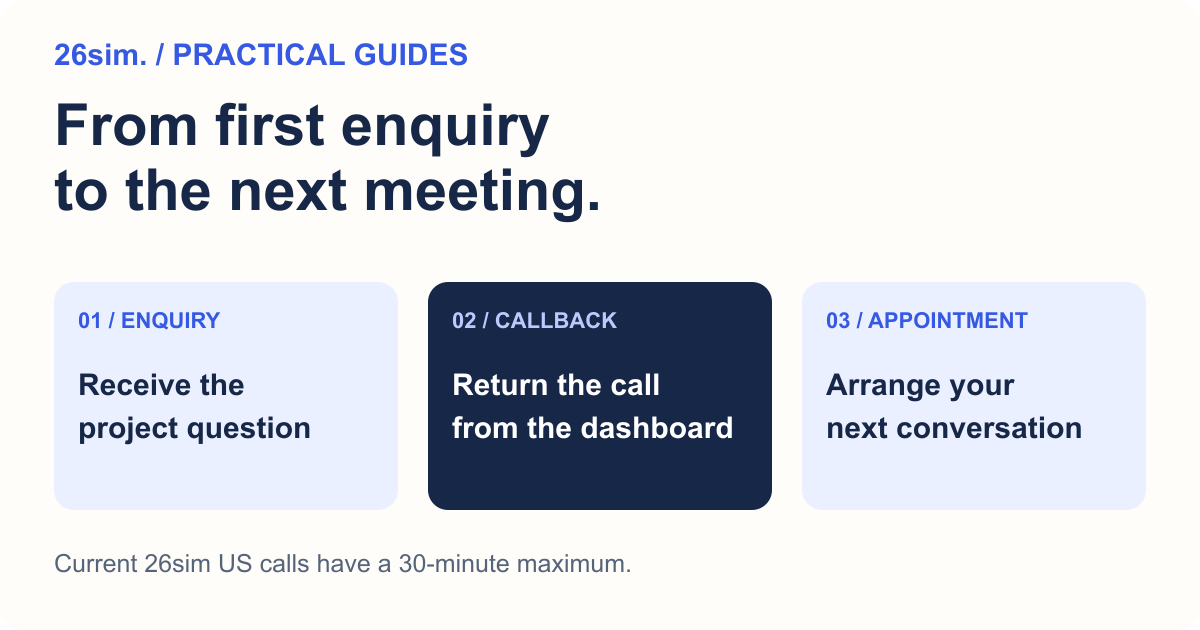
An illustrative workflow is a prospect calling your public number, a short conversation to understand the brief, then a calendar invitation through your usual meeting tool. The number handles the telephone contact; scheduling and meeting software remain separate.
| Conversation | What you need | 26sim US planning check |
|---|---|---|
| A new project enquiry | A public number that reaches the phone you answer. | Verify your existing US forwarding phone and test incoming calls. |
| A return call | The business number presented to the recipient. | Start the callback from the dashboard and verify caller ID. |
| A longer paid session | Enough continuous call time and suitable meeting features. | Current calls stop at 30 minutes or sooner at the funded limit. |
| A call involving several colleagues | Conferencing or shared routing. | Use a service that explicitly supports those requirements. |
Build a response routine around your appointments
Publish the hours when you can realistically respond, plus an email address or booking link for arranging another time. If you spend the day in client sessions, a promise to answer every call immediately will be difficult to keep.
On 26sim US plans, verify your existing US phone under Your calls in the dashboard. An incoming call forwards to that phone. A dashboard callback rings your phone first before connecting the supported destination. Keep that sequence in mind when starting a call between meetings.
Your written response hours do not create business-hours routing. Ask about any requirement for automatic schedules, voicemail, recording or a shared queue before choosing your service.
Choose where written follow-up belongs
Use the online SMS inbox for supported incoming texts, and check it as part of your work routine. If you want to send reminders or short follow-ups, confirm outgoing registration approval and recipient permission first.
Keep proposals, project files and material you need to retain in an appropriate work system. The 26sim inbox retains message content for 30 days by default. It is a contact tool rather than a permanent project archive. MMS is unsupported, so use your agreed document channel for pictures and attachments.
Estimate call time before choosing a plan
Basic costs $2.99 per month plus usage. Premium costs $6.99 per month with 100 shared incoming/outgoing call minutes and a separate allowance of 100 SMS segments. Phone-verification calls also use minutes.
For a simple planning example, twelve connected calls lasting four minutes each use 48 minutes; twelve lasting four minutes and one second each use 60 minutes because each call rounds up. Count time after your phone answers while the destination is connecting. These examples describe billing units, not guaranteed conversation time.
Every call is limited to 30 minutes and can stop earlier at the funded limit. Arrange longer consulting sessions through a suitable service, and confirm supported calling destinations if your clients are outside the supported US coverage.
Test the contact path before updating your proposals
- Confirm the assigned number is active and the forwarding phone is verified.
- Ask another person to call the business number, then test a callback through the dashboard.
- Check incoming SMS and confirm a working reply channel before inviting texts.
- Update the contact page, email signature and proposal template consistently.
- Keep payment details current and review usage before a busy period.
- Confirm porting requirements before planning around an existing number; current website ordering does not support number porting.
Common questions
Can I use this for hour-long consulting sessions?
Current 26sim US calls have a 30-minute maximum and may stop earlier at the funded limit. Choose a suitable meeting service for longer continuous sessions.
Does a business number include a booking calendar?
A telephone contact number does not supply scheduling software. Keep your calendar or booking tool as a separate part of the client workflow.
Can I return calls from my usual phone app?
Dialling directly from your carrier line can present your personal number. For the 26sim business-calling workflow, start the supported callback in the dashboard.
Can I keep project correspondence in the SMS inbox?
Message content is retained for 30 days by default. Keep records you need to retain in your appropriate work system, following your own record-handling requirements.